1) First ensure that you are registered for SSO to log in to My Better Compliance : Register for 2FA to log in to Better Compliance
2) After logging in, navigate to "Portals" and click on Training Tracker.
3) Once in Training Tracker, select "Training Courses" from the menu bar.
4) You’ll see a list of all the courses assigned to you.
5) Find the course you’d like to take and click the 3 dots next to it.
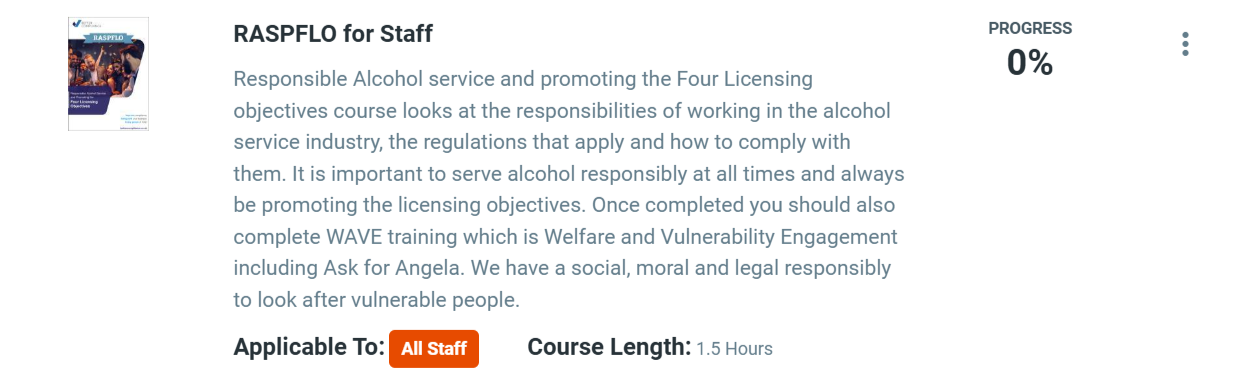
6) Select "Take Course" to begin.
7) You can pause the course at any time—your progress will be saved so you can continue when you're ready.
8) Once completed, you’ll receive a Certificate of Completion for your records. You can view or download the Certificate by clicking on My Certificates in your Training Records Folder in the menu.
Tip: Make sure you have a stable internet connection before starting the course to avoid any interruptions.
Was this article helpful?
That’s Great!
Thank you for your feedback
Sorry! We couldn't be helpful
Thank you for your feedback
Feedback sent
We appreciate your effort and will try to fix the article